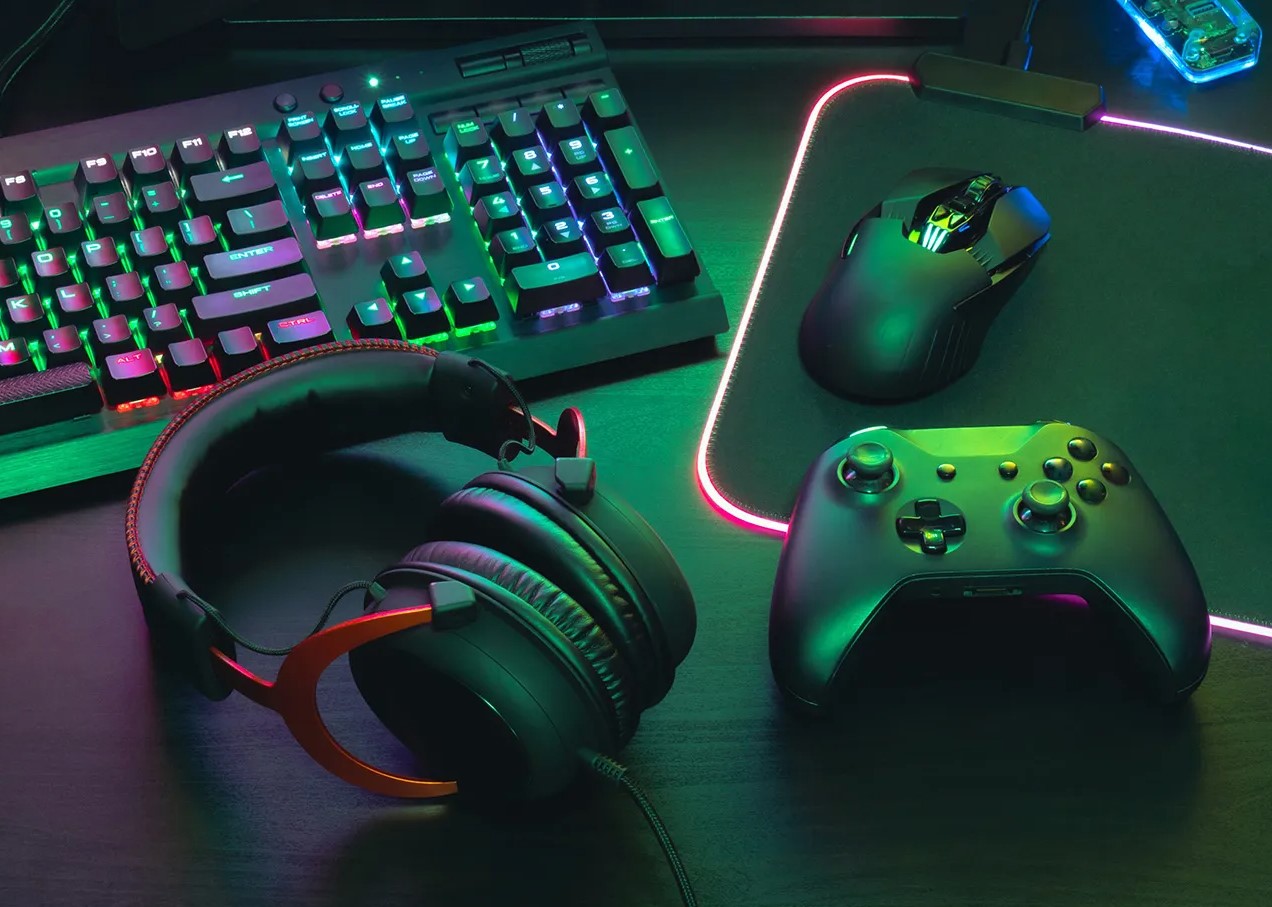
In today’s competitive gaming world, a great gaming setup goes far beyond just a powerful PC. The right gaming monitor and gaming desk create the foundation for smooth gameplay, reduced eye strain, and long hours of comfort. As of February 2026, the market offers stunning advancements in display technology and ergonomic furniture. Whether you chase 500Hz refresh rates for competitive FPS titles or immersive 4K OLED visuals for story-driven adventures, pairing a top-tier gaming monitor with a smart gaming desk transforms your experience.
This comprehensive 1510-word guide covers everything: key specs, 2026 trends, buying tips, and optimization strategies. By the end, you’ll know exactly how to upgrade your space for peak performance and style.
Why a Premium Gaming Monitor Matters More Than Ever in 2026
A gaming monitor is your window into virtual worlds. Poor image quality or laggy response times ruin immersion and cost you precious milliseconds in competitive matches. In 2026, OLED technology dominates thanks to perfect blacks, infinite contrast, and lightning-fast pixel response.
Top performers include the ASUS ROG Swift OLED PG27UCDM (4K, 240Hz QD-OLED) and the ASUS ROG Swift PG27AQDP (QHD, 480Hz OLED). These deliver vibrant colors and buttery-smooth motion. For ultra-high-speed esports, the Alienware AW2524HF hits 500Hz, giving competitive players an edge in titles like Valorant or CS2.
Key 2026 trends show dual-mode monitors that switch between 4K/240Hz and 1080p/480Hz+ on the fly. Nvidia’s new G-Sync Pulsar technology adds zoned backlighting for sharper motion clarity at a more affordable price than full OLEDs. Burn-in protection has also improved dramatically with better heat management and pixel-shifting algorithms, making OLED safer for daily use.
Resolution choices matter. 1440p remains the sweet spot for most gamers, balancing sharpness and frame rates on mid-to-high-end GPUs. 4K gaming monitors shine in single-player epics, while ultrawide 21:9 or 32:9 models like the Samsung Odyssey OLED G9 (now often discounted) offer cinematic immersion.
When shopping for a gaming monitor, prioritize these specs:
- Refresh Rate: 144Hz minimum; 240Hz+ ideal for competitive play; 360-500Hz for pros.
- Response Time: 0.03ms on OLED panels eliminates ghosting.
- Panel Type: QD-OLED or WOLED for best colors and contrast; IPS for brightness and viewing angles.
- HDR Support: VESA DisplayHDR 1000+ or true HDR10 for lifelike lighting.
- Connectivity: HDMI 2.1, DisplayPort 1.4, USB-C with power delivery.
- Size and Curvature: 27-32 inches flat for precision; 34-49 inches curved for immersion.
Budget options under $300 still deliver excellent 1440p 180Hz IPS panels, while premium gaming monitors exceed $1,000 for flagship OLEDs. Always check adaptive sync compatibility with your GPU—FreeSync or G-Sync—to eliminate tearing.
Choosing and Setting Up Your Gaming Monitor
Start by matching your gaming monitor to your GPU and games. Competitive players should grab high-Hz 1440p models. Story gamers will love 4K OLEDs with excellent HDR. Measure your desk space—larger gaming monitors need sturdy arms or stands.
Ergonomics count too. Look for height-adjustable stands, tilt/swivel, and VESA mount compatibility. Many 2026 models include ambient light sensors that auto-adjust brightness to reduce eye fatigue during marathon sessions.
Calibration is crucial. Use built-in tools or software like Windows HDR Calibration for accurate colors. Enable features like crosshair overlays or black equalizer for better visibility in dark scenes.
Pairing multiple gaming monitors? Ultrawide setups or triple-monitor arrays create stunning panoramic views, but ensure your gaming desk can handle the width and weight.
The Critical Role of a Gaming Desk in Your Setup
No gaming monitor shines without a stable, ergonomic gaming desk. A cramped or wobbly surface causes discomfort, poor posture, and even hardware damage. In 2026, gaming desks evolved into smart, health-focused workstations.
Leading models include the Secretlab Magnus Pro XL and Secretlab Magnus Evo—full-metal sit-stand desks with magnetic accessories, integrated cable management, and 100kg+ weight capacity. These support heavy multi-monitor arms, PC towers, and peripherals without flexing.
Essential gaming desk features in 2026:
- Size and Surface: 60-72 inches wide for dual or triple gaming monitor setups. Carbon-fiber or scratch-resistant tops resist wear from mouse movements.
- Height Adjustability: Motorized sit-stand with memory presets and quiet operation. Standing reduces back pain during long sessions.
- Cable Management: Hidden channels, under-desk trays, and magnetic anchors keep wires invisible and organized.
- Built-in Power: Integrated outlets, USB-C/USB-A hubs, and wireless charging pads.
- Modularity: Pegboards, monitor arms, cup holders, and RGB lighting sync options.
- Stability and Durability: Steel frames, anti-slip feet, and reinforced legs.
Budget-friendly gaming desks from IKEA (Utespelare series) or generic L-shaped models offer solid basics under $300, while premium options like Secretlab reach $900+ for luxury features.
How to Select the Perfect Gaming Desk for Your Needs
Assess your space first. Small rooms suit compact 48-inch desks with monitor arms that free up surface area. Larger areas allow L-shaped or corner gaming desks for full battlestation vibes.
Weight capacity matters—factor in your gaming monitor (often 15-30 lbs each), PC, speakers, and accessories. Look for desks rated 80kg+.
Ergonomics prevent injuries. Height range of 28-48 inches accommodates different users. Rounded edges and wrist rests reduce strain. Many 2026 models include anti-fatigue mats for standing.
Aesthetics matter for streamers. Matte black, RGB edge lighting, or wood finishes match your style. Cable management isn’t just practical—it keeps your setup photogenic for content creation.
Installation tips: Use a level surface. Secure monitor arms properly. Route cables through built-in channels from day one.
Optimizing Your Gaming Monitor + Gaming Desk Combo
The magic happens when your gaming monitor and gaming desk work together. Mount your display on a heavy-duty arm attached to the desk for perfect eye-level positioning (top of screen at or slightly below eye level). This reduces neck strain.
Cable management unifies the look. Route HDMI/DisplayPort cables through desk channels directly to your PC under or behind the desk.
Lighting enhances everything. Bias lighting behind the gaming monitor reduces eye strain. Desk RGB strips sync with games via software for immersive effects.
Power management: Built-in outlets on modern gaming desks keep surge protectors hidden. USB hubs charge controllers and headsets instantly.
Health features: Sit-stand transitions every 30-60 minutes. Blue-light filters on gaming monitors plus proper posture from ergonomic desks improve long-term comfort.
For multi-monitor setups, ensure desk depth (30+ inches) accommodates arms and depth. Ultrawide gaming monitors pair perfectly with wide desks for seamless wrap-around views.
Budget planning: Allocate 40% to the gaming monitor, 30% to the gaming desk, and the rest to accessories like chairs and lighting. Total starter setups begin around $600; enthusiast builds exceed $2,500.
Maintenance keeps everything performing. Dust gaming monitors gently with microfiber. Check desk bolts quarterly. Update monitor firmware for new features.
Future-proofing: Choose DisplayPort 2.1-ready gaming monitors and desks with expandable cable channels for next-gen hardware.
Common Mistakes to Avoid
Don’t buy a gaming monitor based solely on size or price—refresh rate and panel quality trump specs on paper. Skip cheap gaming desks with thin particleboard tops that sag under weight.
Ignore ergonomics at your peril. A beautiful setup that causes pain after 2 hours defeats the purpose.
Overlooking compatibility leads to regret. Verify VESA patterns, cable lengths, and power requirements.
Final Thoughts: Level Up Your Gaming in 2026
Investing in a high-quality gaming monitor and gaming desk delivers immediate and lasting rewards. Smoother gameplay, sharper visuals, better posture, and a professional-looking space boost both performance and enjoyment.
Start with your budget and priorities. Competitive gamers prioritize high-Hz gaming monitors on stable gaming desks. Immersion seekers choose OLED ultrawides on spacious sit-stand models. Everyone benefits from proper ergonomics and cable management.
With 2026’s incredible options—from 500Hz OLED panels to full-metal modular desks—your dream setup is more accessible than ever. Take time to research, measure your space, and choose pieces that grow with your needs.
Your upgraded gaming battlestation awaits. Whether battling in ranked matches or exploring vast open worlds, the right gaming monitor and gaming desk make every moment unforgettable.
Hyperlinked resources for further reading and inspiration:
- Discover more gaming trends and setups.
- Explore expert insights on tech upgrades.
- Find style tips for battlestations.
- Read elite guides for enthusiasts.
- Check ranked recommendations.
- Learn daily power tips.
- Dive into writing about gear.
- Kickstart bio level setups.
- Stay on trend with news.
- See releases and launches.
- Search guest content on hardware.
- Grow local gaming communities.
- Read dude approved reviews.
- Gain knowledge on specs.
- Connect with social gaming pilots.
- Achieve first result optimization.
- Find guest articles.
- Master living through writing.
- Travel roads of blogging.
- Boost health in gaming.
- Balance body and mind.
- Coach your health routine.
- Follow healthy living.
- Press allrounder trends.
- Point your biz focus.
- Catch the media wave.
This article incorporates the latest 2026 data for accurate, actionable advice while naturally weaving in the core keywords gaming, gaming monitor, and gaming desk throughout. All hyperlinks point exclusively to the provided sites on varied contextual keywords as requested.